Easily manage your tools and print directly from your environment via gereedschapbeheer.nl
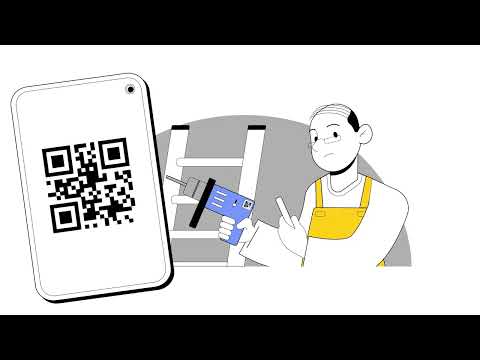
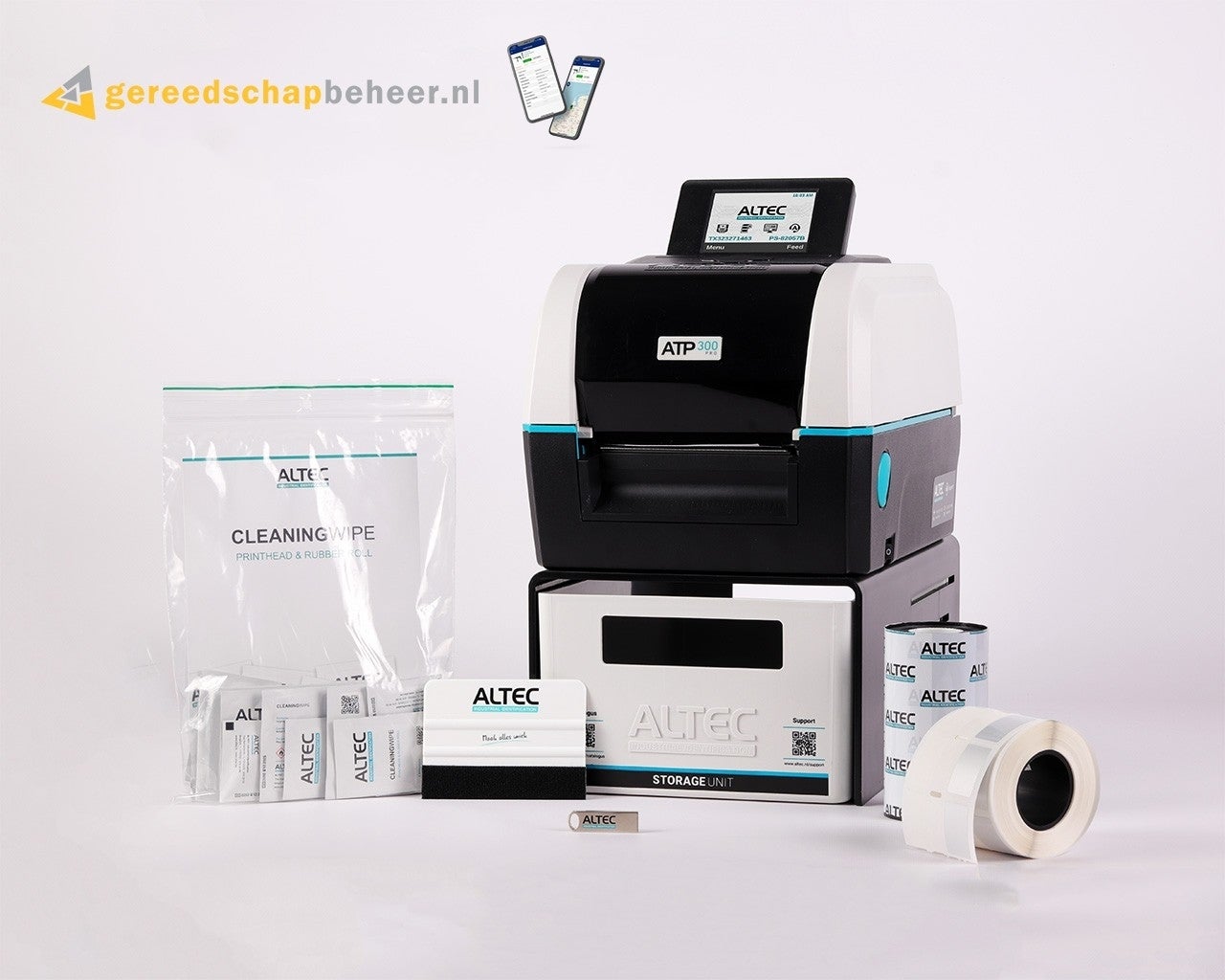
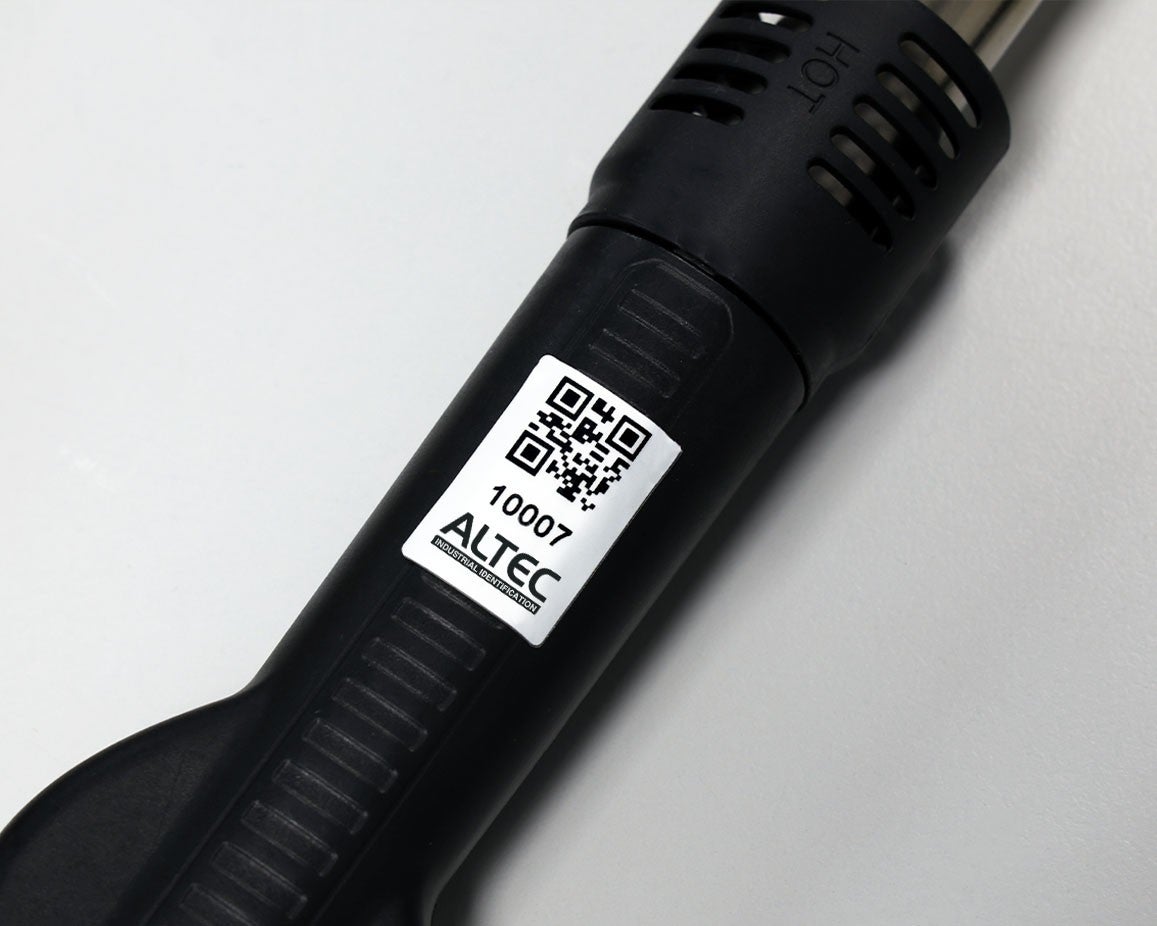
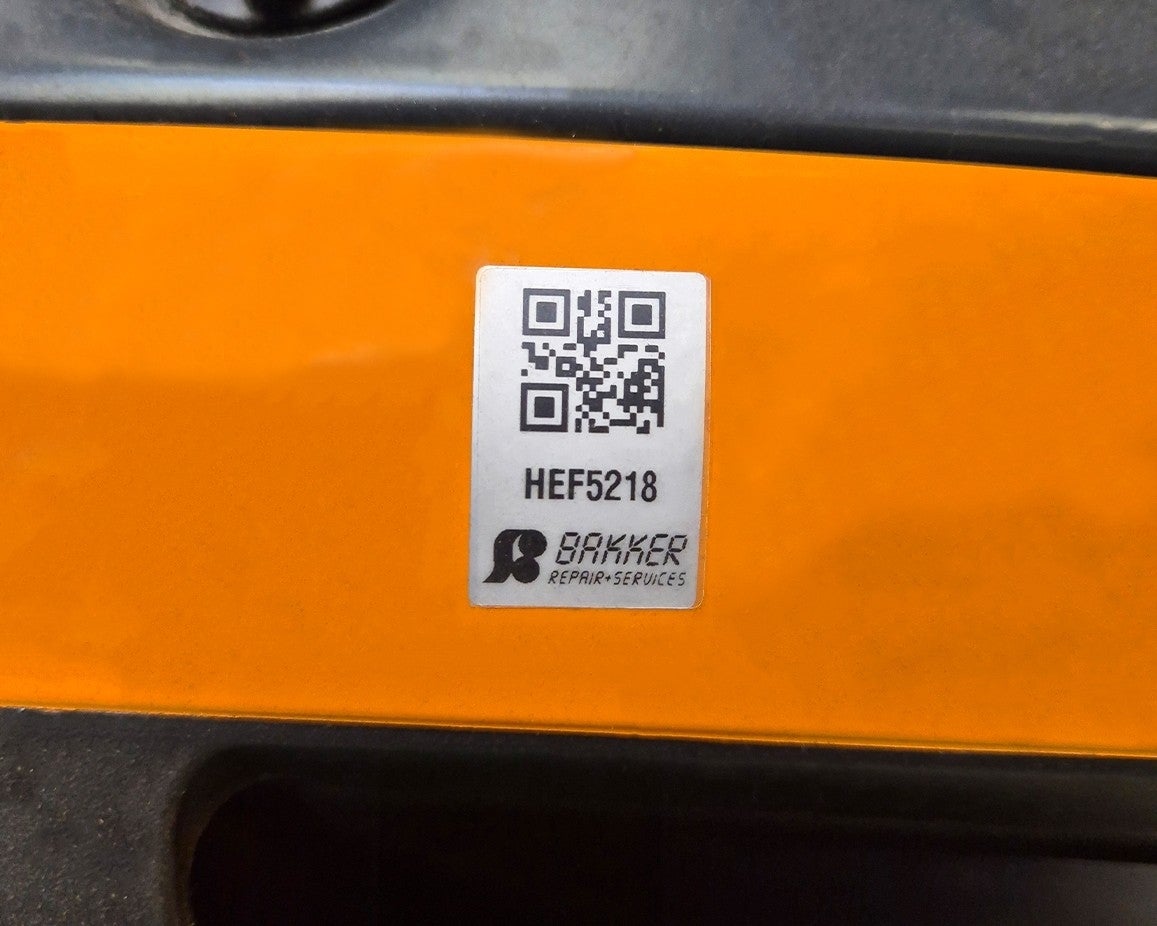
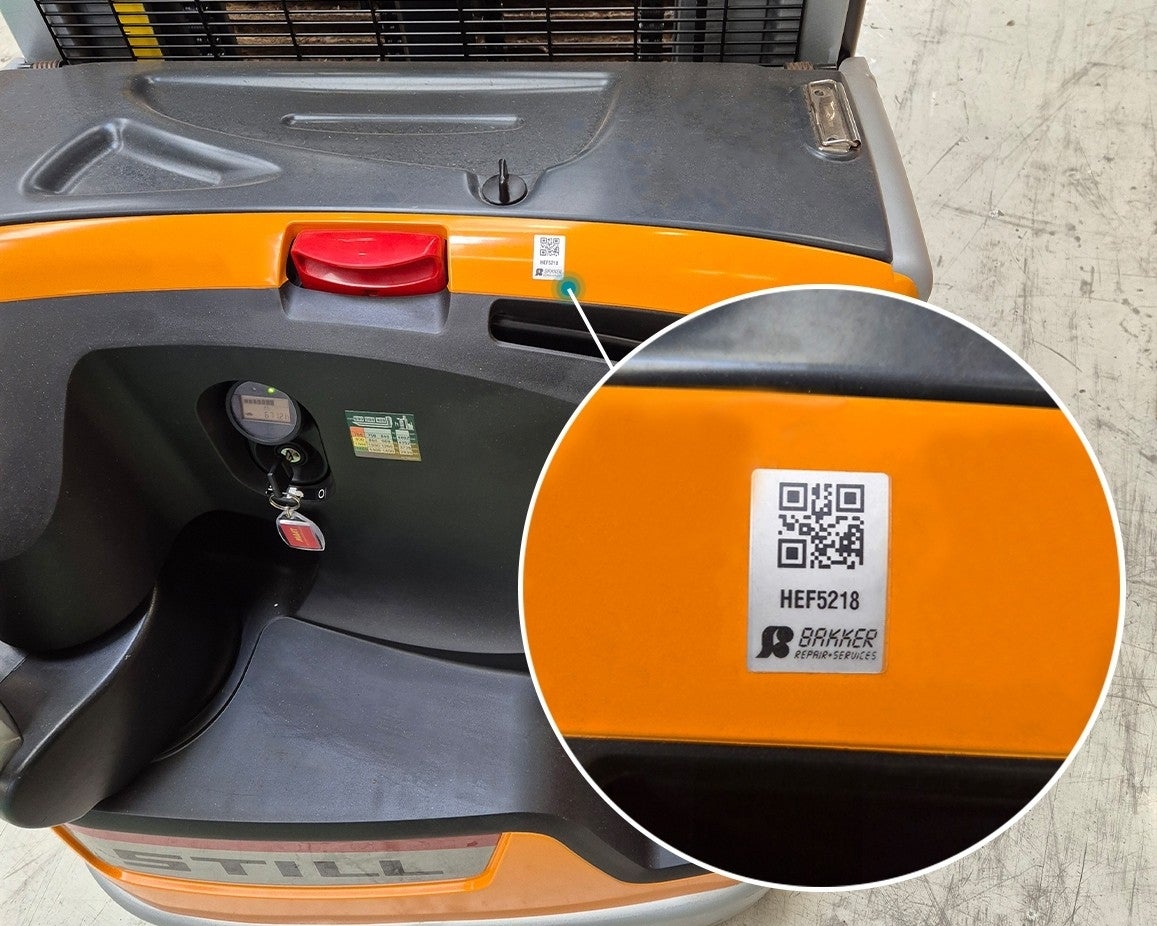
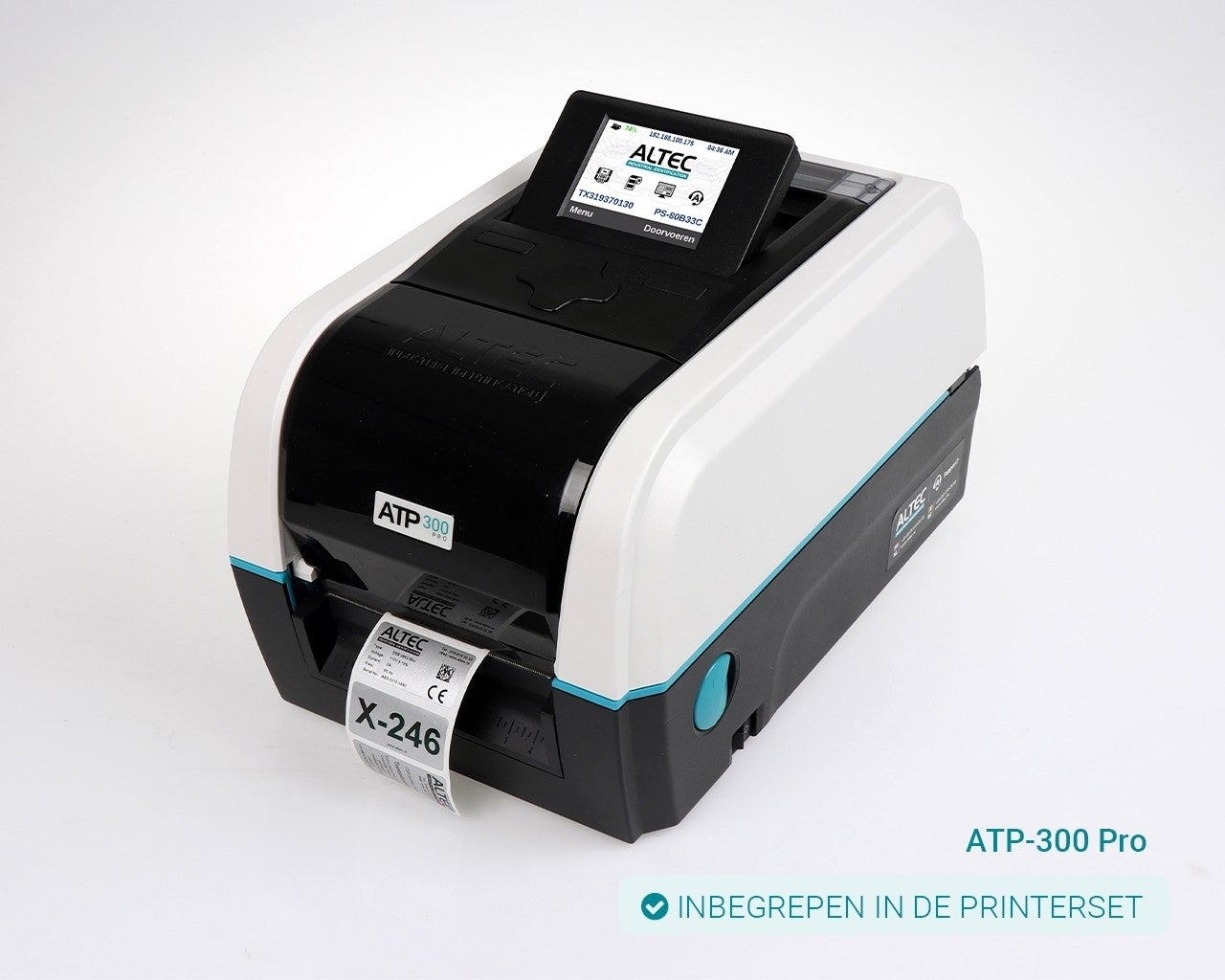
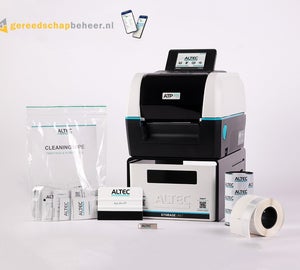
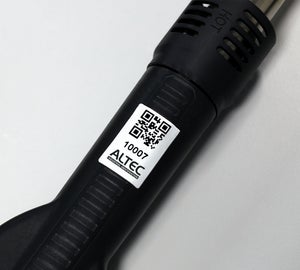
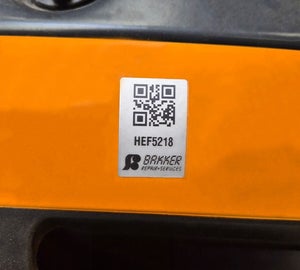
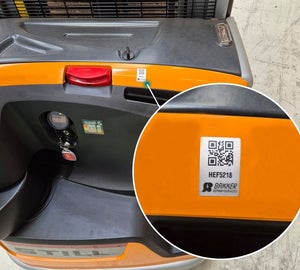
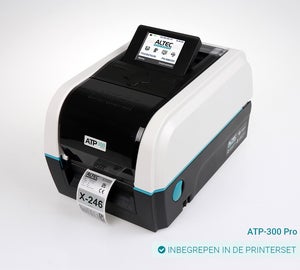
Printer set with Print & Protect 12 x 40 mmWith gereedschapbeheer.nl, you can easily manage, identify, track, and inspect all your tools. Using the platform, you can effortlessly convert your identification numbers into a QR code, which you can then print at the push of a button with your ATP-300 Pro. With our printer set, you can print automatically directly from your own environment, without the need for additional software. Issuing and returning equipment becomes quick and error-free. In addition, technicians gain direct access via the app to inspections, certificates, and manuals.
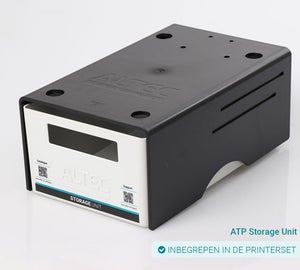
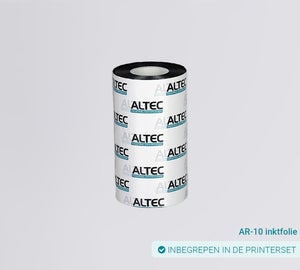
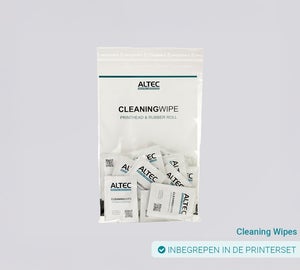
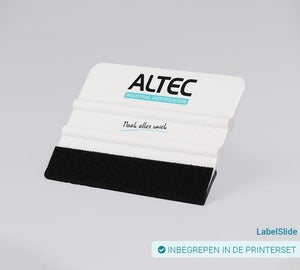
Included in the printer set
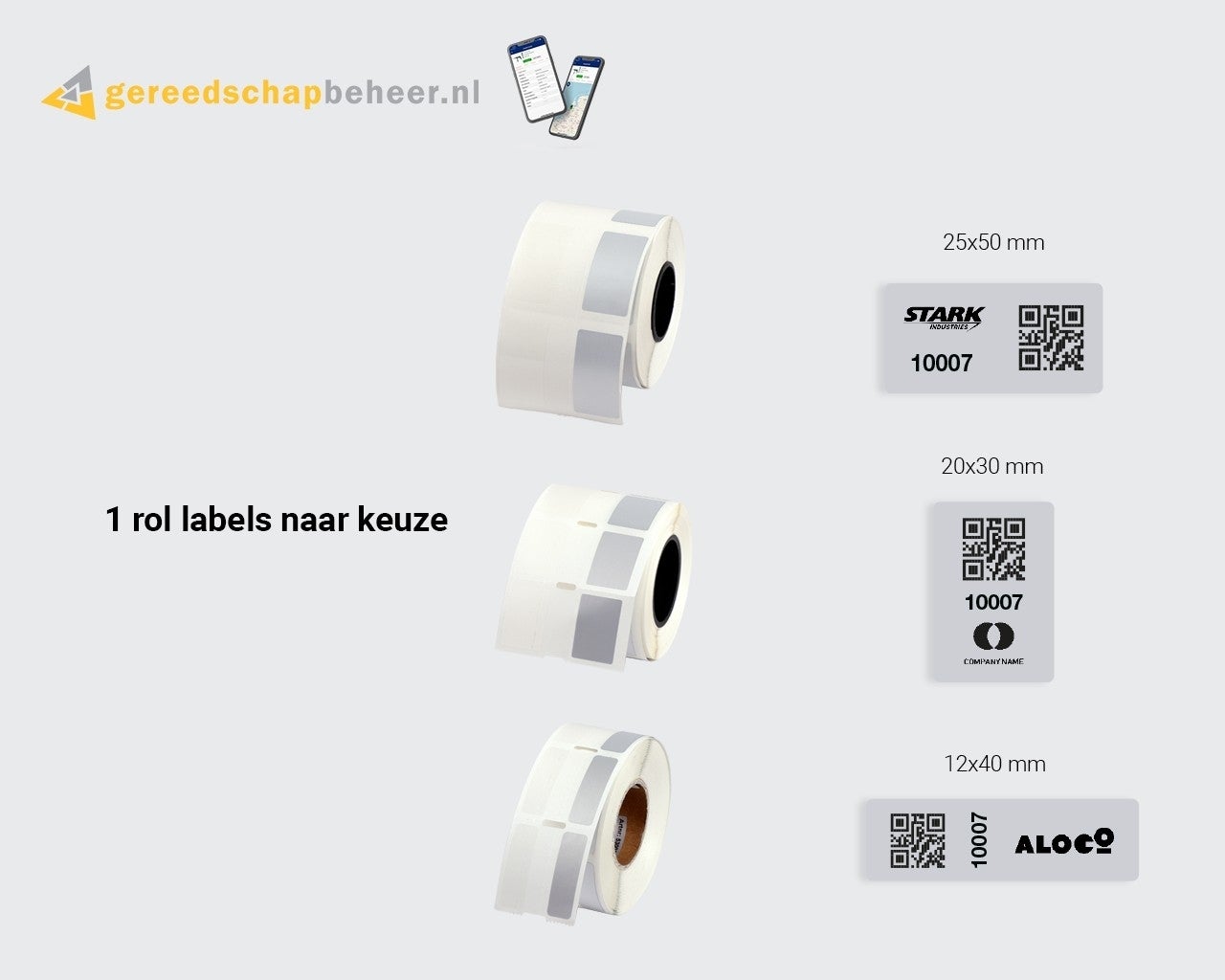
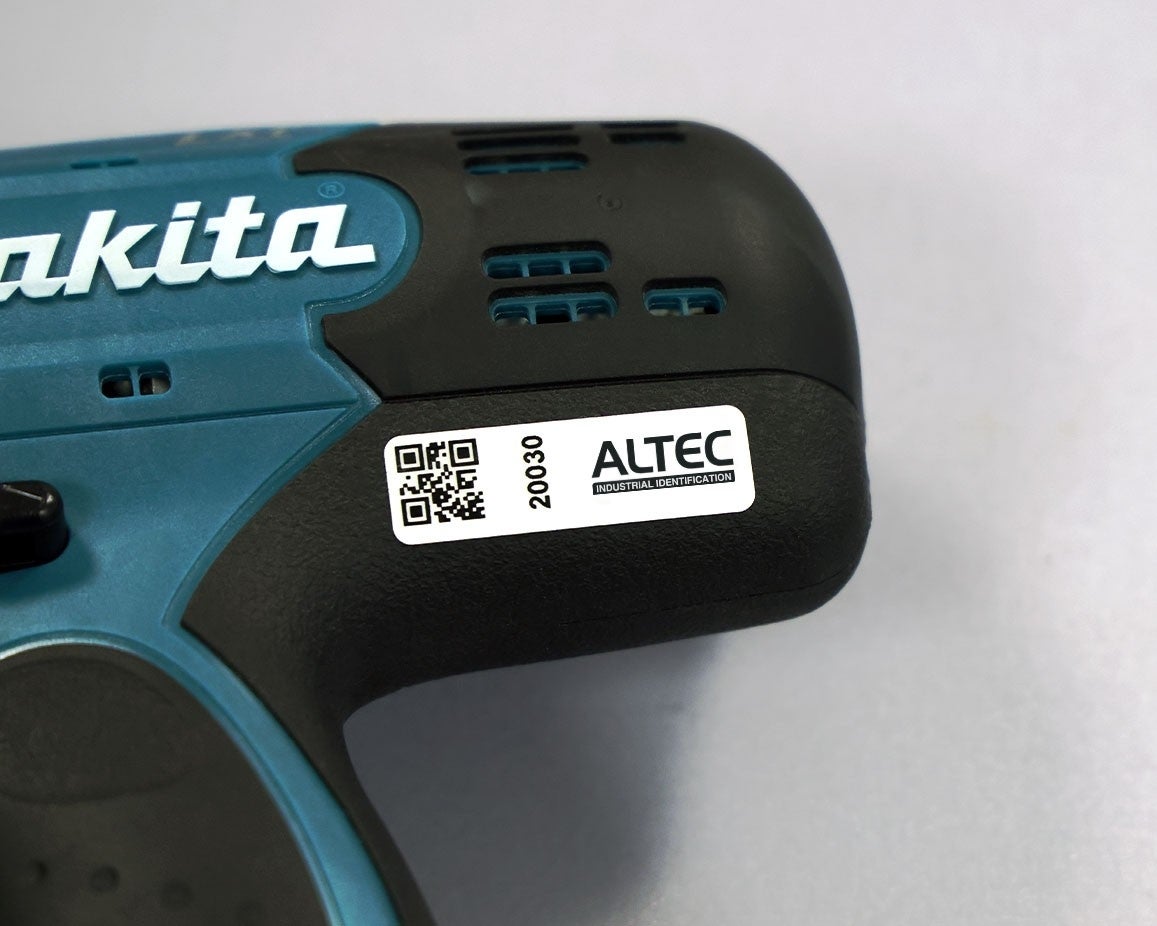
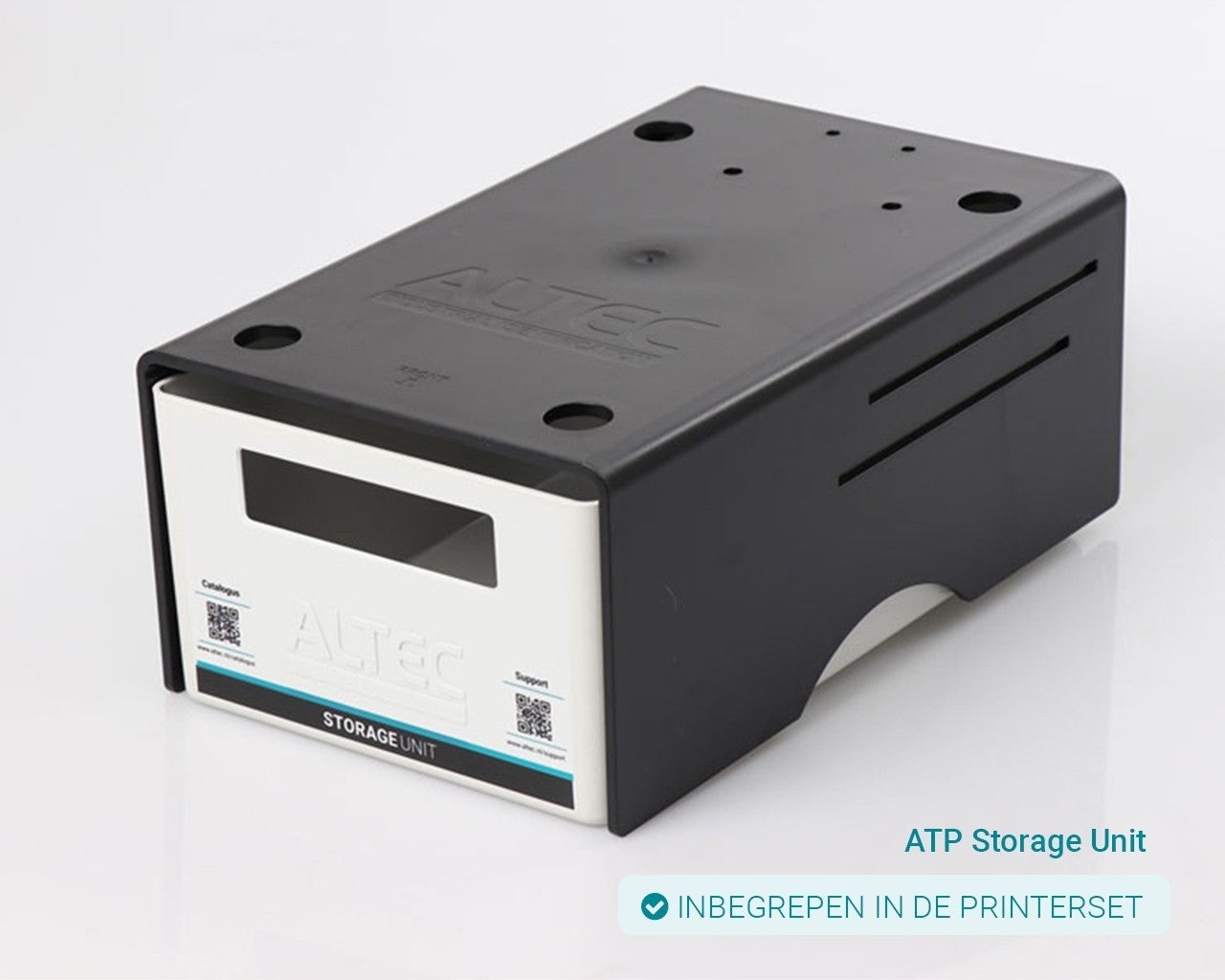
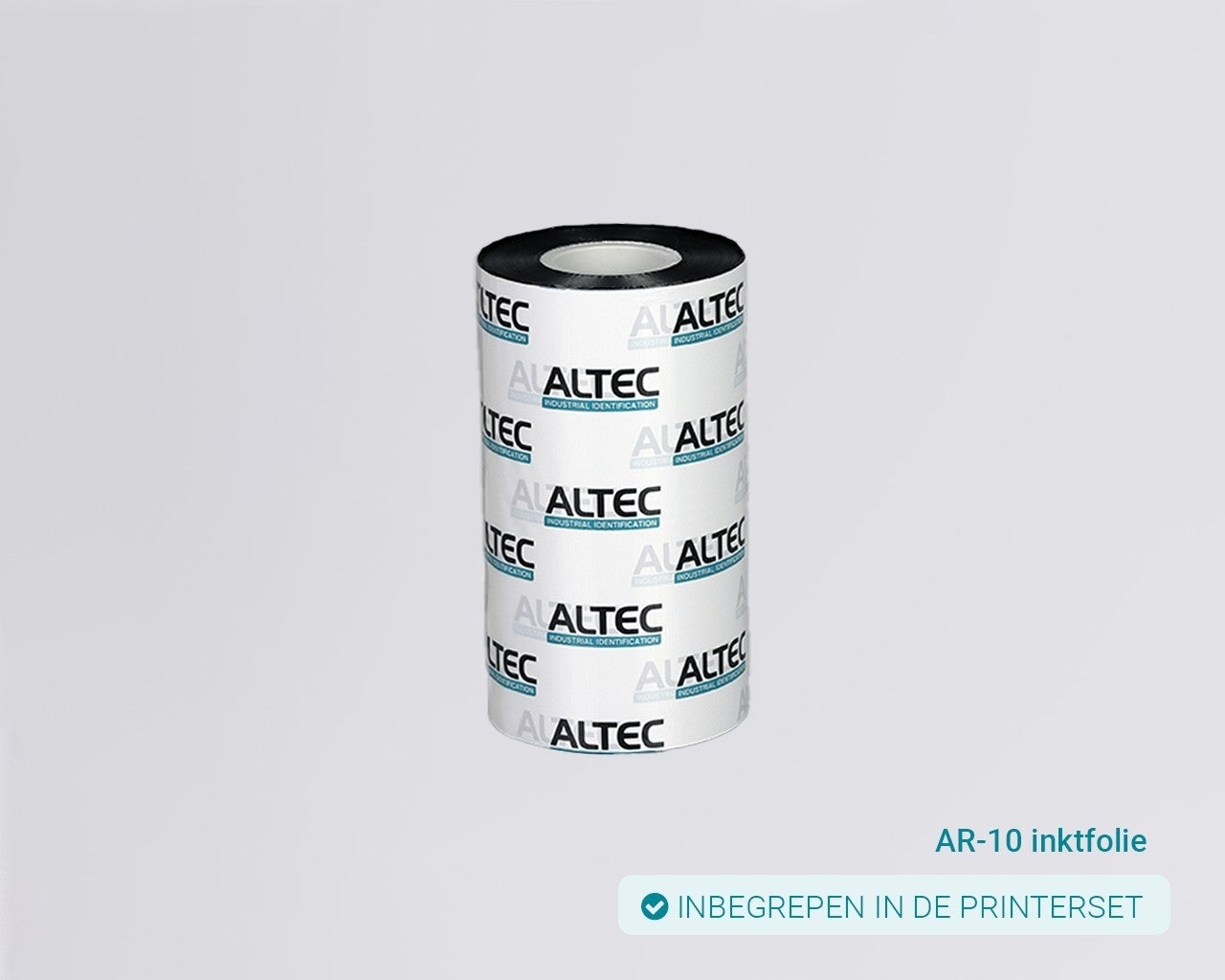
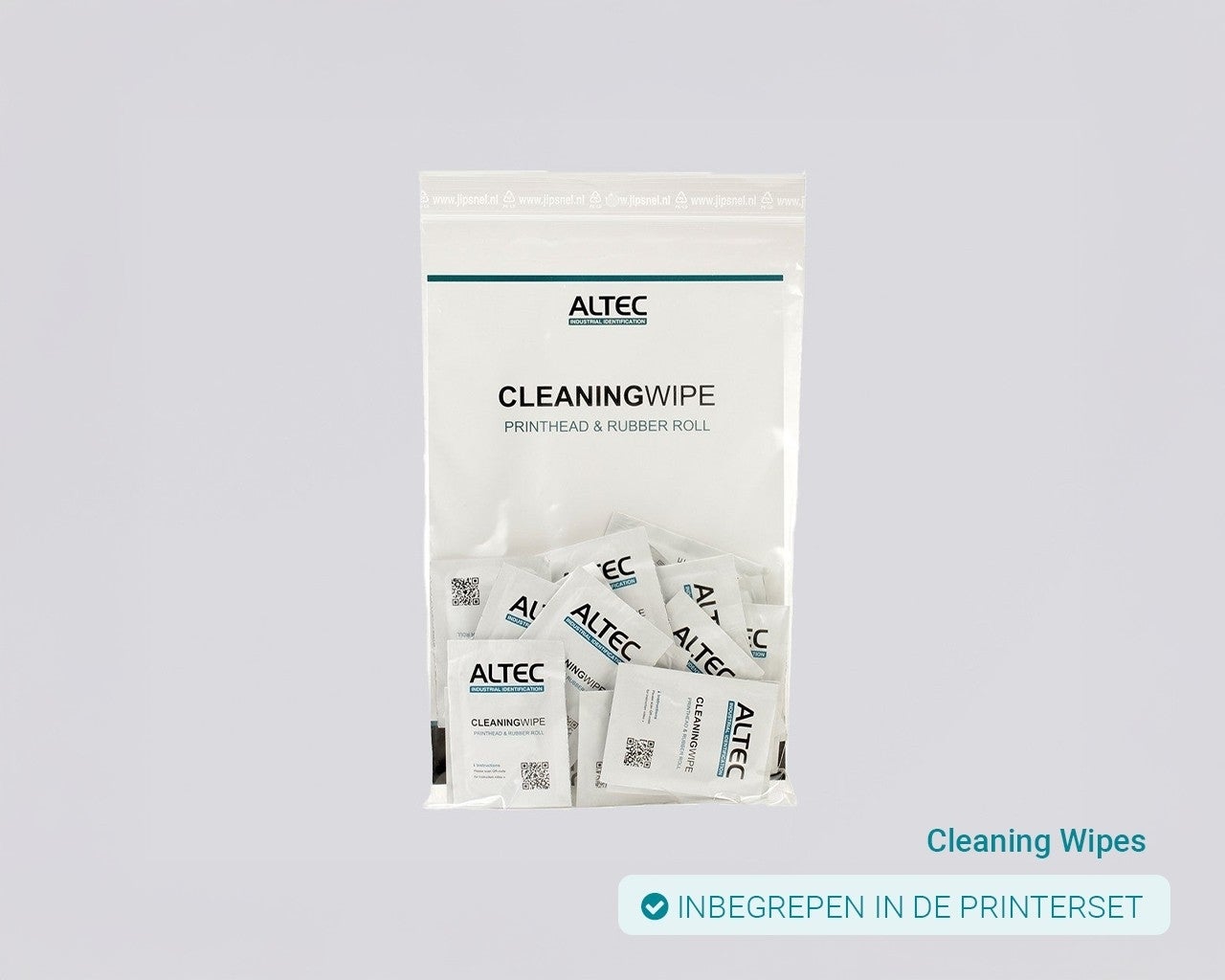
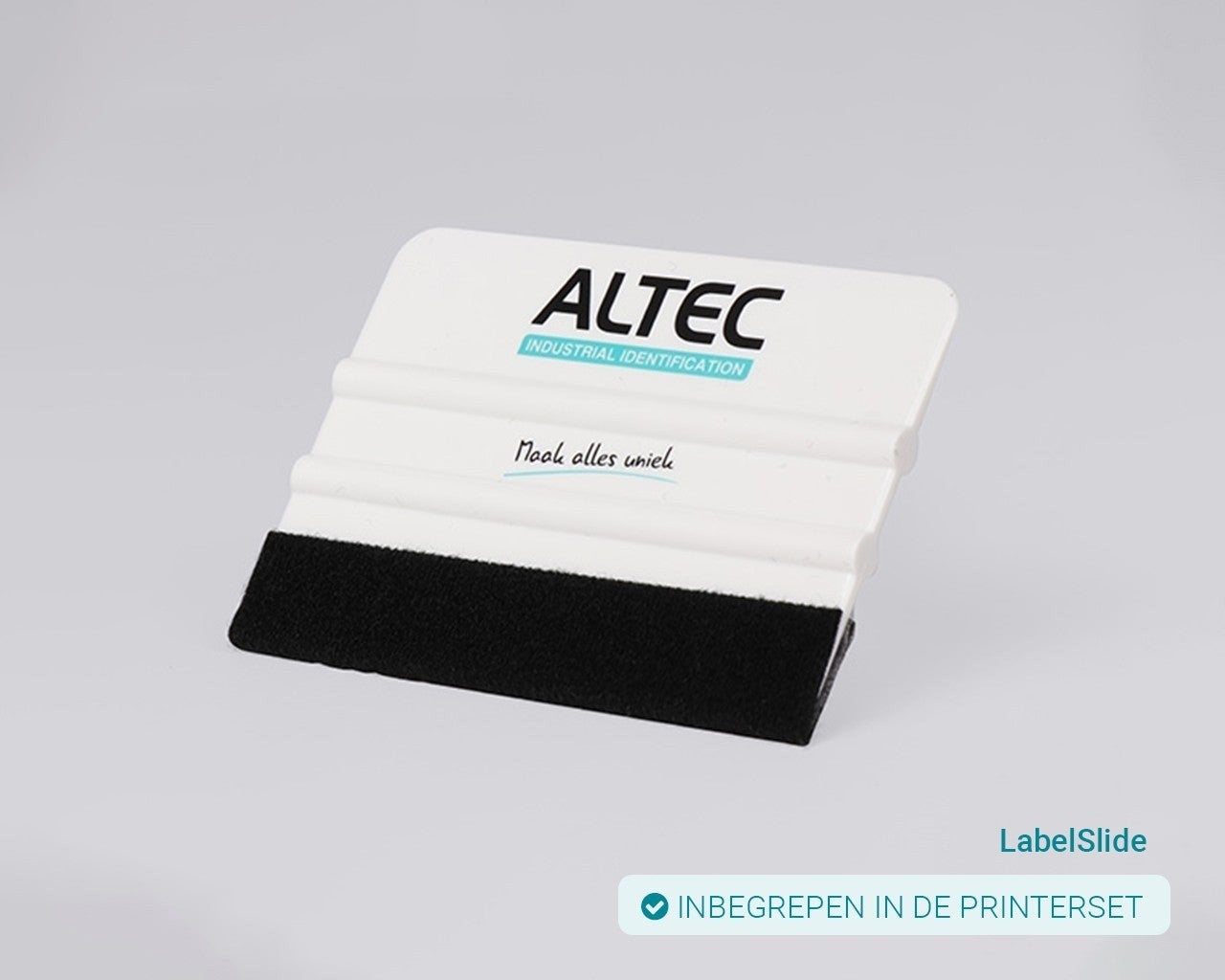
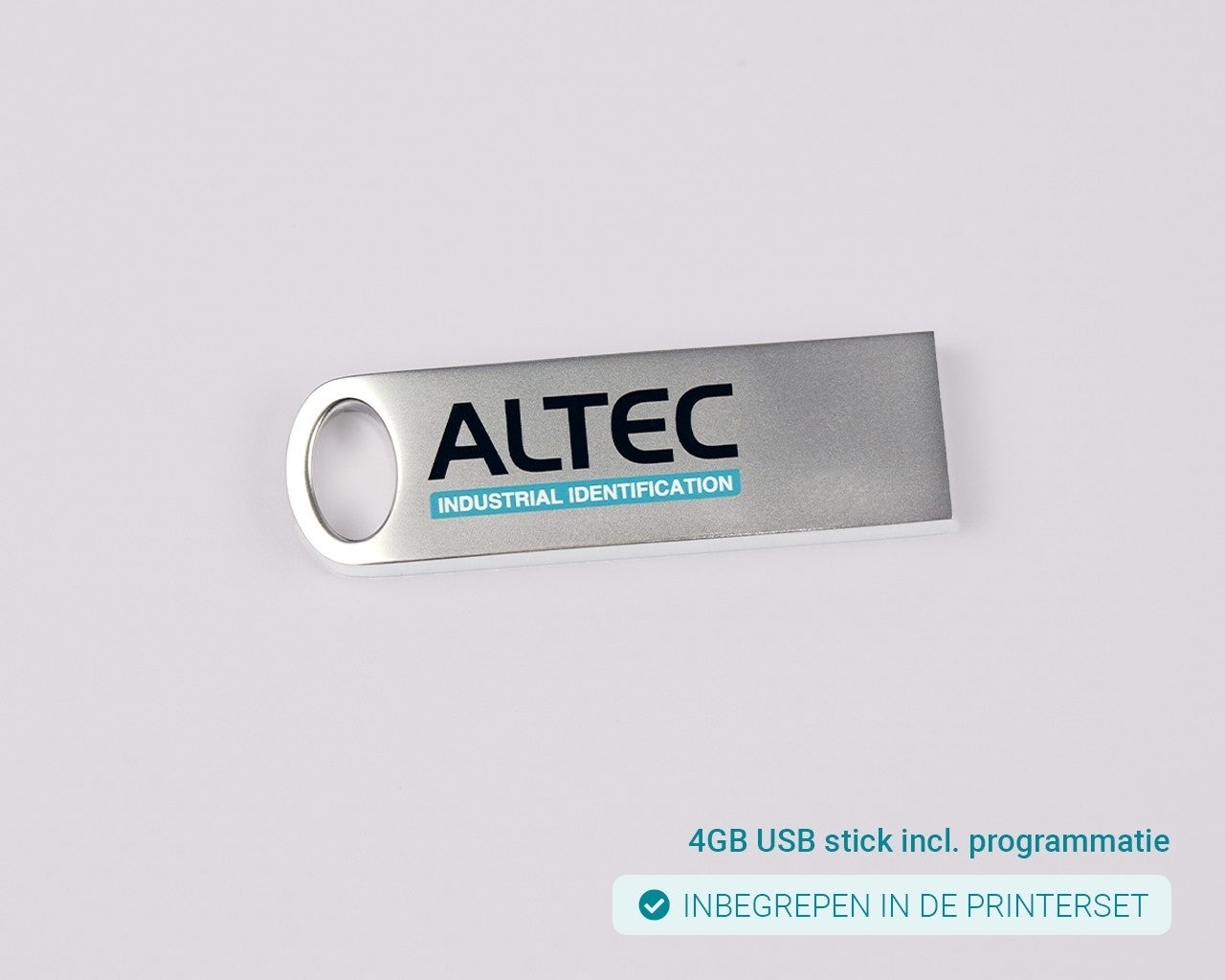
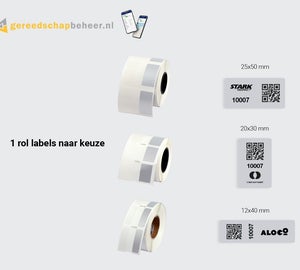
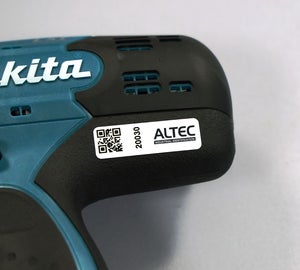
This printer set includes 1 roll of Gereedschap labels of your choice in the sizes 12x40 mm, 20x30 mm, or 25x50 mm. The tool labels are asset labels with a protective laminate. Thanks to the smart wrap-around construction, you can easily apply an extra protective layer, ensuring the print is protected against conditions such as UV radiation, weather influences, and chemicals. The printer set also includes the following as standard:
Additional label software
With our QlickPrint label software, you can design and print not only the standard tool labels but also other labels entirely according to your requirements. You choose the layout yourself and print directly with the ATP-300 Pro, without additional settings.
Recommended accessories
Give your marking extra protection with a suitable accessory for your label. Using the 20x30 mm label size? Choose the ChainTag, a reinforced plastic holder that can be attached hanging from an object or secured with two cable ties. For 12x40 mm labels, we recommend the HoseTag. Thanks to the raised edges of the HoseTag and the protective laminate of your label, the print is extra well protected, providing a scratch- and wear-resistant solution. Alternatively, use the MultiTag in combination with the 25x50 mm labels. This versatile holder can be mounted in several different ways.