Add product to order
Cart
Order online via your client portal
Ordered before 2:00 PM? Shipped today!
Free advice, installation and support
Scanning. Printing. Done.

Scan2Print

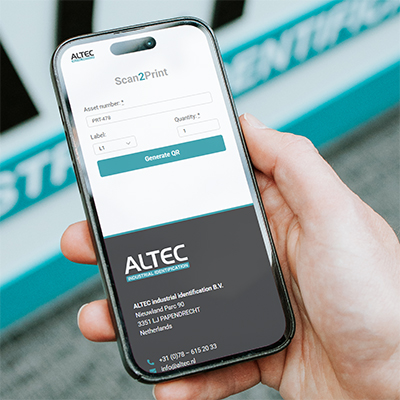
Print labels from any web browser, on any screen. No installation of drivers or complex software required. Scan the QR code, print your labels. Done! With Scan2Print, you automate your label process without complex installations or IT support.
Want to know more?

Scan2Print demo

Request a free demo here

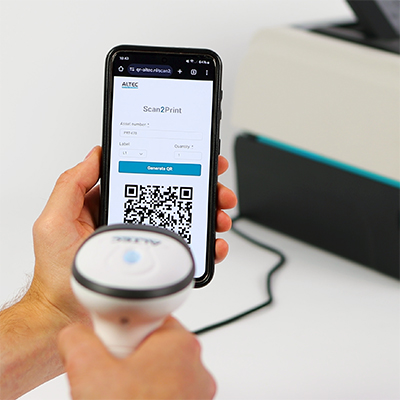
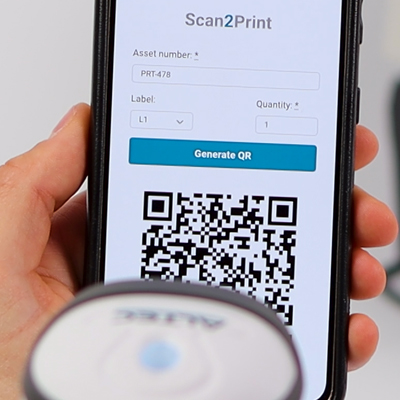
1. Enter your data

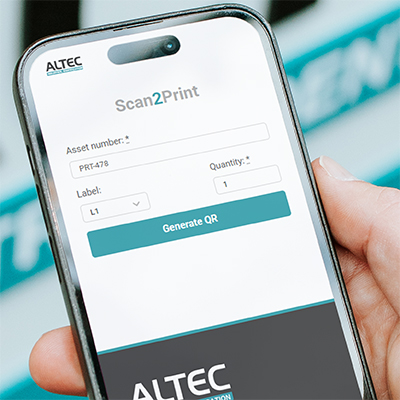
Enter the information you want to print in the browser

2. Generate QR code

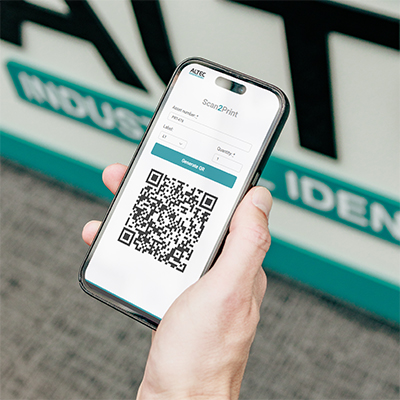
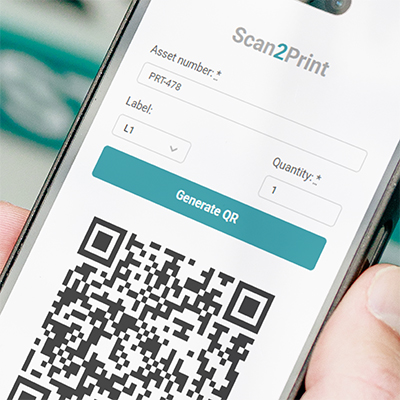
Your data is converted into a QR code

3. Scan QR code

Scan the QR code with the AS6802 barcode scanner

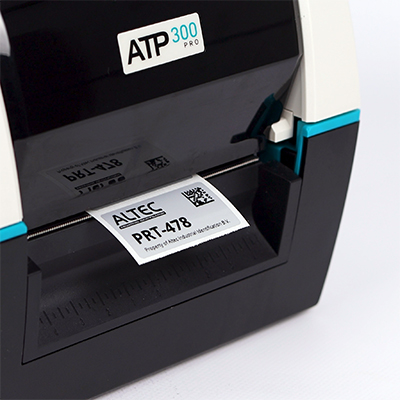
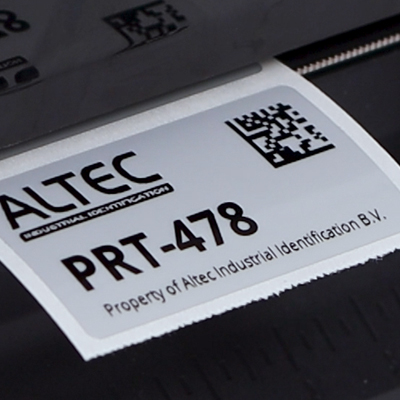
4. Print label

Your label is printed immediately with the entered data

How Scan2Print works


Print from mobile or desktop

Enter the data on a web page and a QR code is generated. Scan the QR code with the AS6802 barcode scanner and the label is printed immediately. This allows you to work quickly and efficiently, directly from your own device.

Print from a technical drawing

The QR code on this technical drawing has been generated in advance. Scan the QR code with the AS6802 barcode scanner and the corresponding label is printed immediately. Fast, error-free, and directly from a printed drawing.

Frequently asked questions about Scan2Print

You don’t need any software. With Scan2Print, you can get started immediately without complex installation or software. All you need is a label printer, a barcode scanner, and a mobile device or PC with an internet connection.
Scan2Print works on any smartphone with an internet connection, on both Android and iOS.
On your own web page, you can easily enter the variable data, such as an asset number, serial number, or the desired number of labels. Based on this input, a unique QR code is generated automatically. You then scan this QR code with the Altec AS6802 barcode scanner, which is directly connected to the label printer. Within one second, the corresponding label is printed accurately and error-free.

No installation needed

No drivers, software, or network connection required

Fast and error-free

Scanning a QR code eliminates manual data entry

Works with any device

The QR code can be generated on Android, iPhone, Windows, or any other device with a web browser

Direct communication

The scanner is directly connected to the printer, allowing you to print without a PC

Suitable for a wide range of applications

Ideal for asset management, warehouses, logistics, production, and other environments where fast and accurate printing is required
Looking for something else?
Scan2Print

Want to know more?

With Scan2Print, you can get started immediately without complex installation or software. Curious how it works? Request a free demo!

Would you like to know more about label printers, labels, or software? Call 078 615 2033 or leave your details below, we’ll be happy to call you back with personal advice!

This field is for validation purposes and should be left unchanged.
Name*