Automatically print labels with QlickPrint
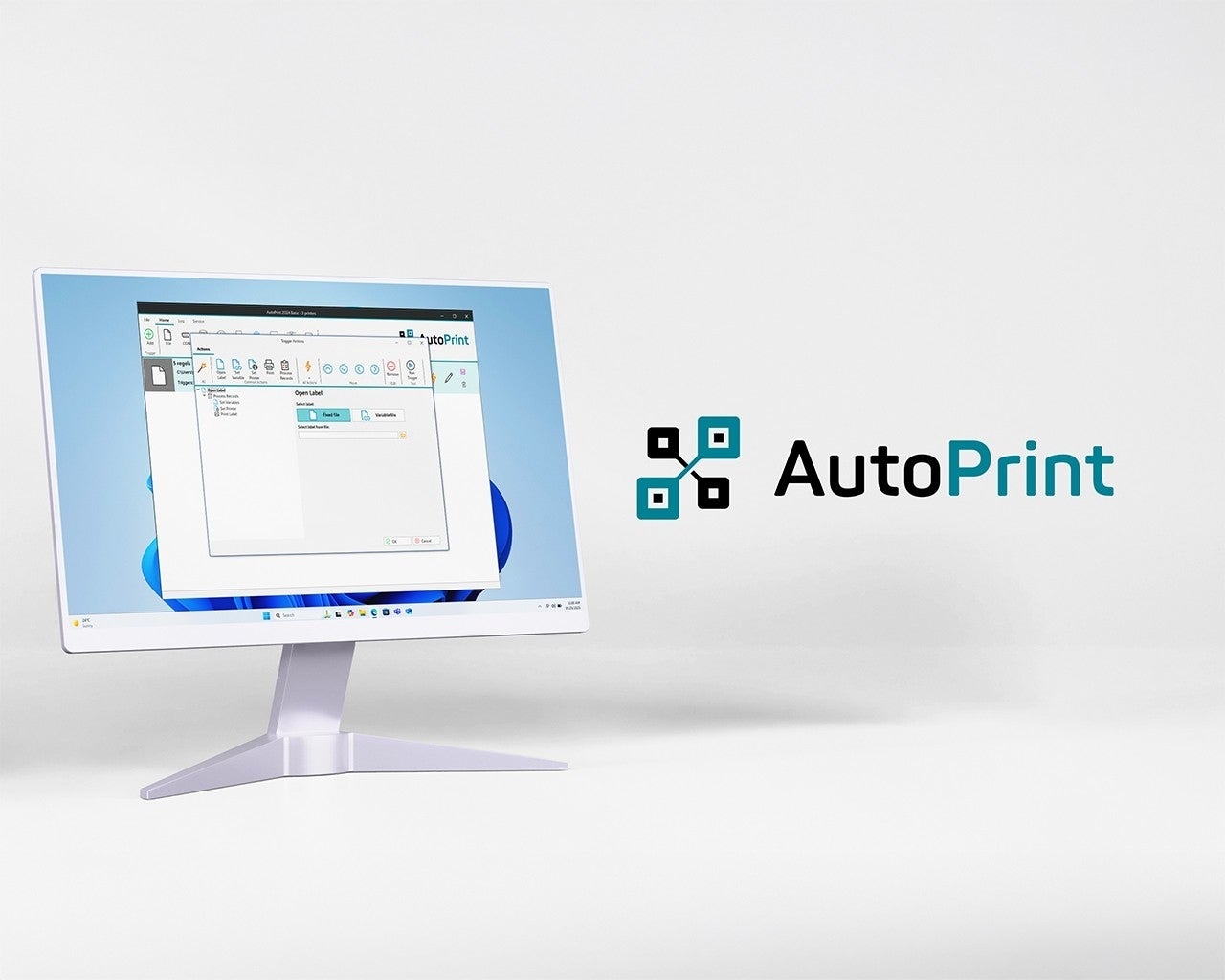
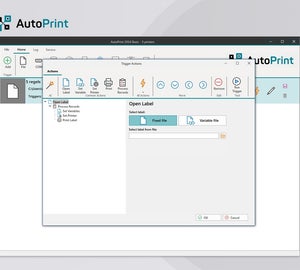
With AutoPrint, you add a powerful module to the QlickPrint label software that executes print jobs fully automatically, without manual actions. This ensures time savings, efficiency, and error-free processing of all print tasks within your existing QlickPrint environment.
How does it work?
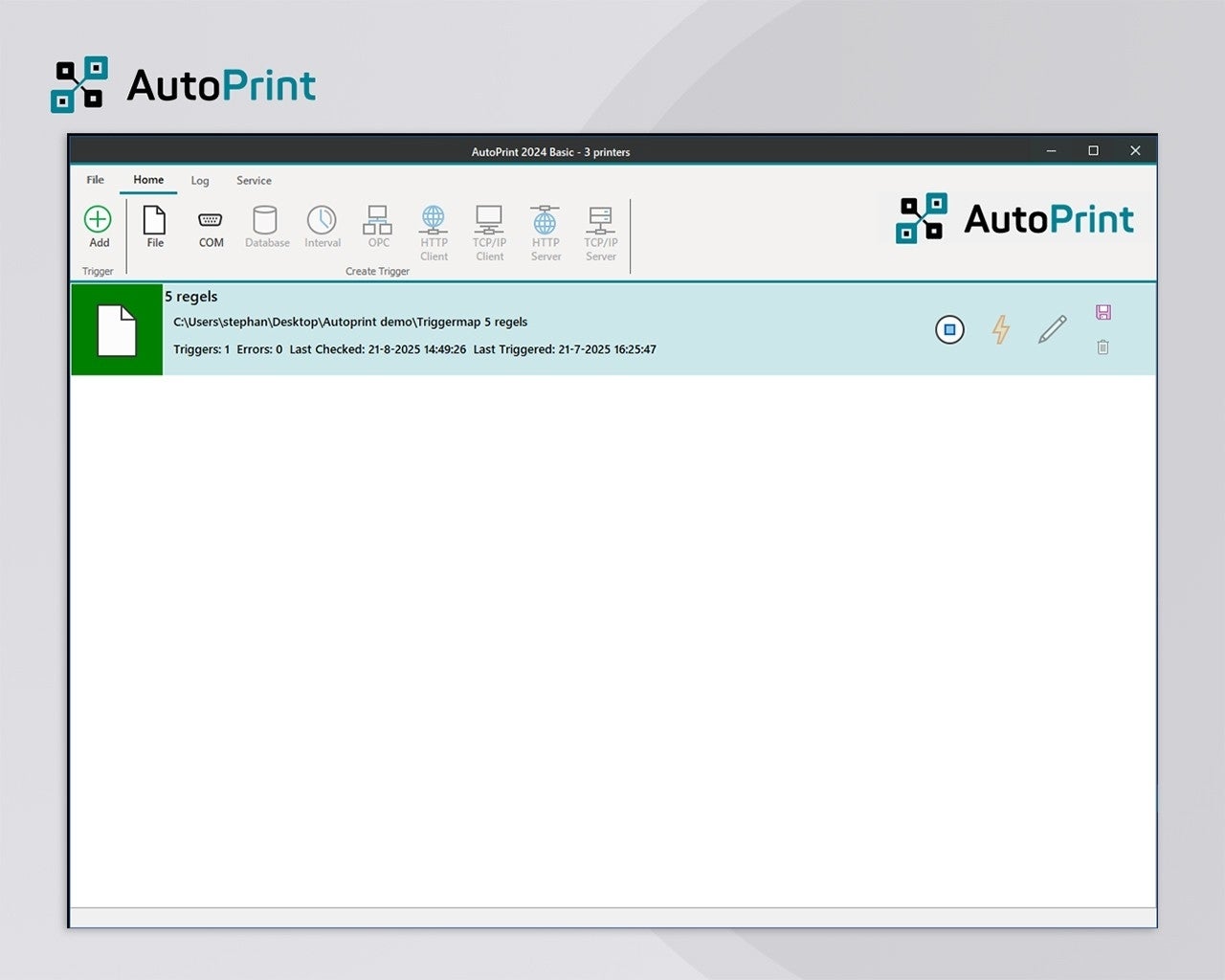
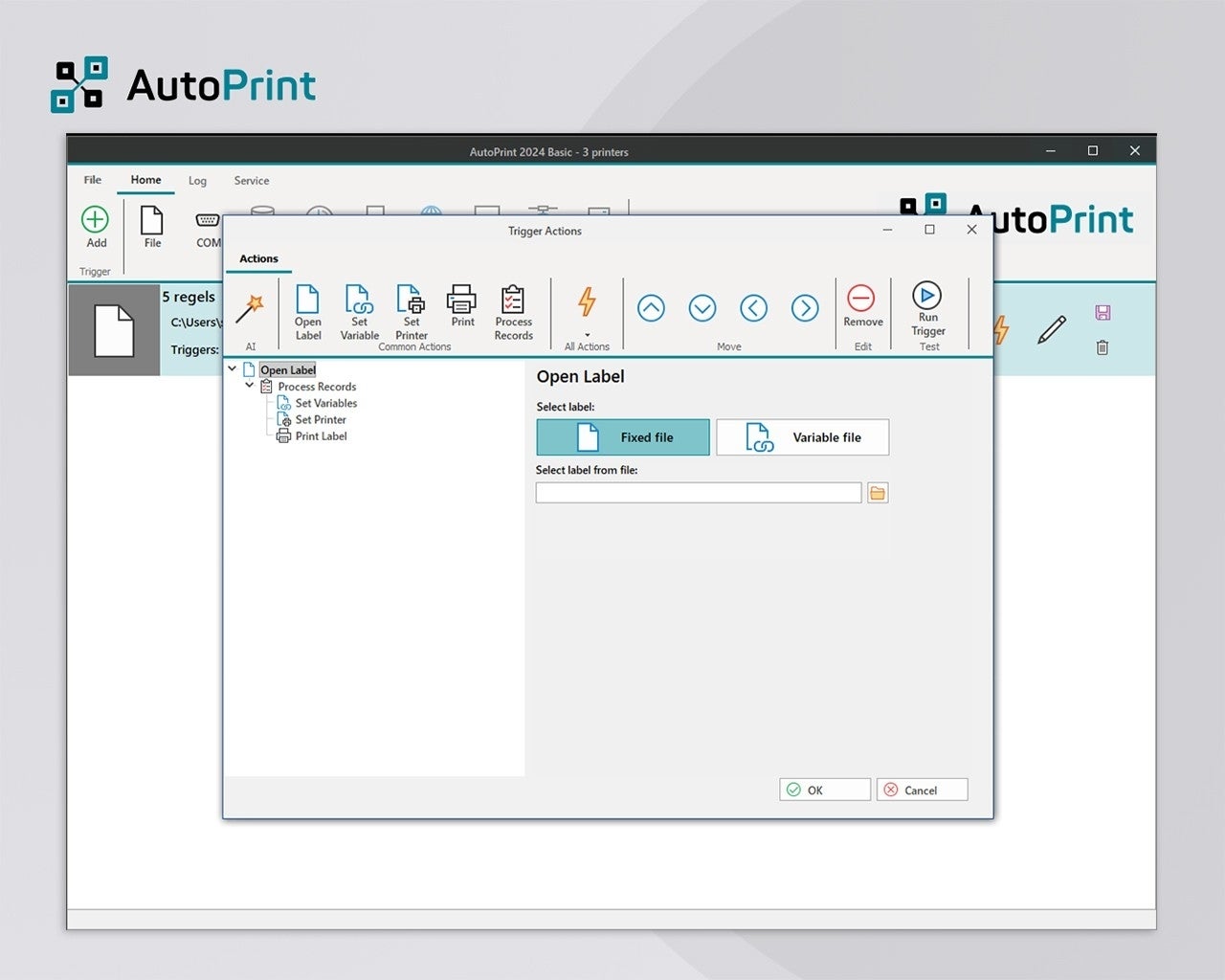
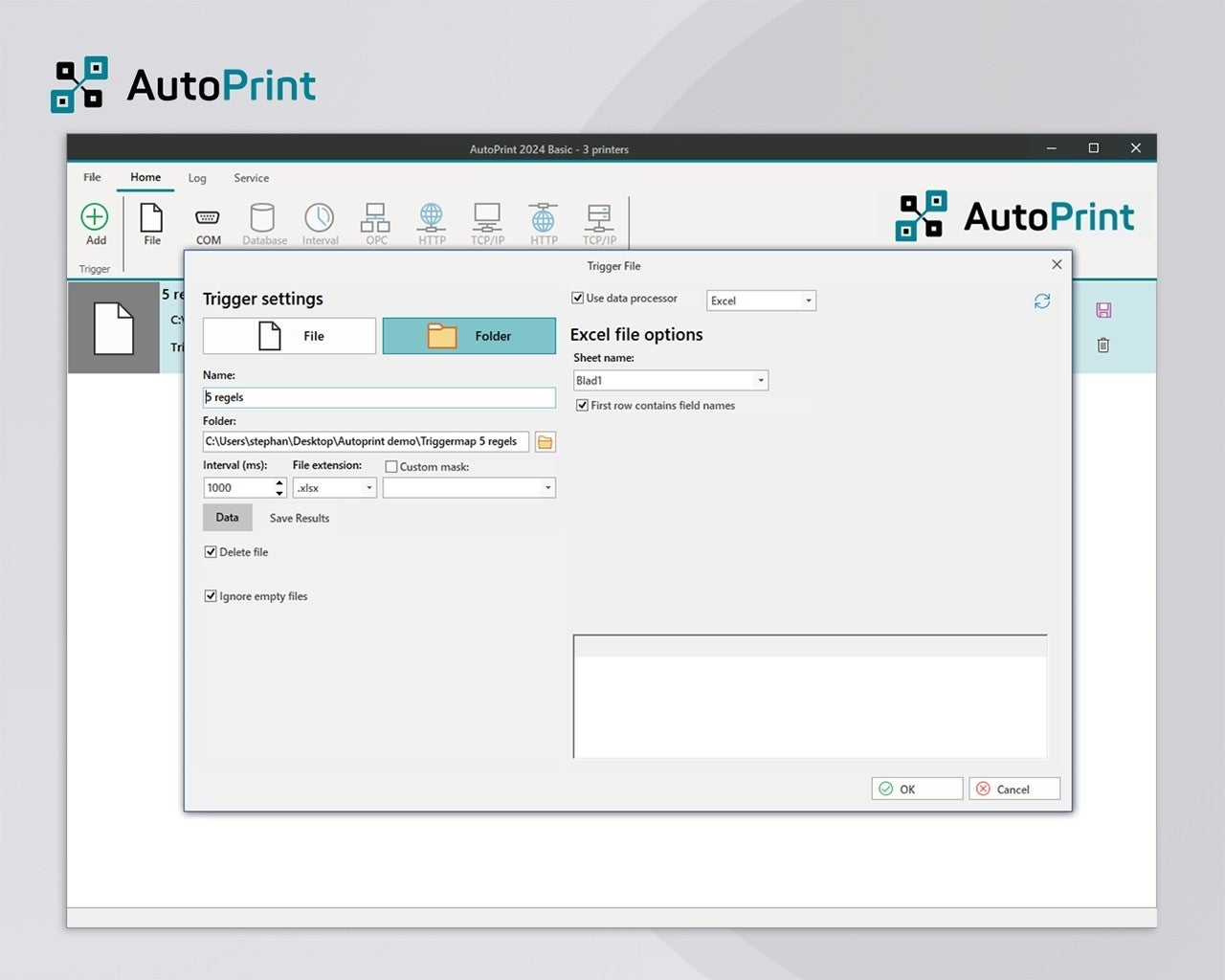
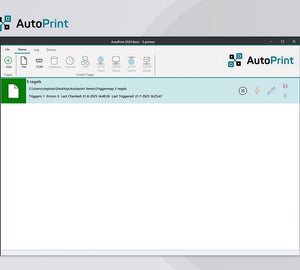
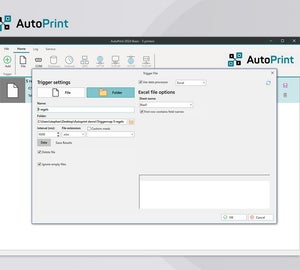
AutoPrint can be triggered by a file or folder event. As soon as an Excel or CSV file becomes available, a print job is automatically initiated with the corresponding data. A QlickPrint license is required for designing and managing the label layouts. AutoPrint is offered as an annual subscription with printer seats, allowing you to scale flexibly.
The benefits of AutoPrint:
Ready to automate your labeling process?
With AutoPrint, you transform a manual and error-prone process into a fully automated and reliable workflow.